How To Choose the Best Employee Time Tracking Software
The best employee time tracking software is not necessarily the option with the longest feature list. It is the solution that fits how your employees actually work. In this video, learn how to evaluate employee time tracking based on where and how employees clock in, the time clock options available to your workforce, what happens to time data after the punch, and how employee self-service can support adoption. See how Paychex employee time clocks provide mobile, kiosk, proximity, iris, and fingerscan options, and how Paychex Time and Attendance connects employee timekeeping with payroll, alerts, scheduling, and workforce tools. For a broader overview of timekeeping methods and features, read the complete employee time tracking guide.
Accuracy guardrail: Keep claims aligned to the transcript and current Paychex product pages. Do not imply that time tracking software guarantees wage-and-hour compliance. Use “supports compliance” language where appropriate. Preserve the transcript wording inside the transcript module and do not add time clock capabilities that are not supported by the source video or current product copy.
Temas:
0:00 - Why Fit Beats Features Every Time
0:32 - How Does Your Team Clock In?
0:50 - 5 Time Clock Options
2:01 - What Happens After the Punch
2:33 - How It Helps Support Compliance
2:45 - The Importance of Employee Buy-In
3:05 - Find Your Fit With Paychex
<p id="transcript-button">View Transcript</p>
Why Fit Beats Features Every Time
0:00 Two businesses buy the exact same “best-rated” employee time tracking software. One saves hours every payroll run. The other is still fixing timecards at 9 p.m. Same tool. So, what’s the difference?
0:15 The difference isn’t the feature list. It’s whether the tool fits how your team actually works. Match that right and everything downstream — accuracy, payroll, compliance — gets easier. Get it wrong, and all the best bells and whistles won’t help.
How Does Your Team Clock In?
0:33 So start here, not a spec sheet. Look at how your people actually clock in.
0:39 A field crew punching from a job site needs something totally different than a warehouse team badging in at one shared door. Once you know your mix, the right clock gets obvious.
5 Time Clock Options
0:51 Paychex offers five, each solving a problem a generic solution can’t.
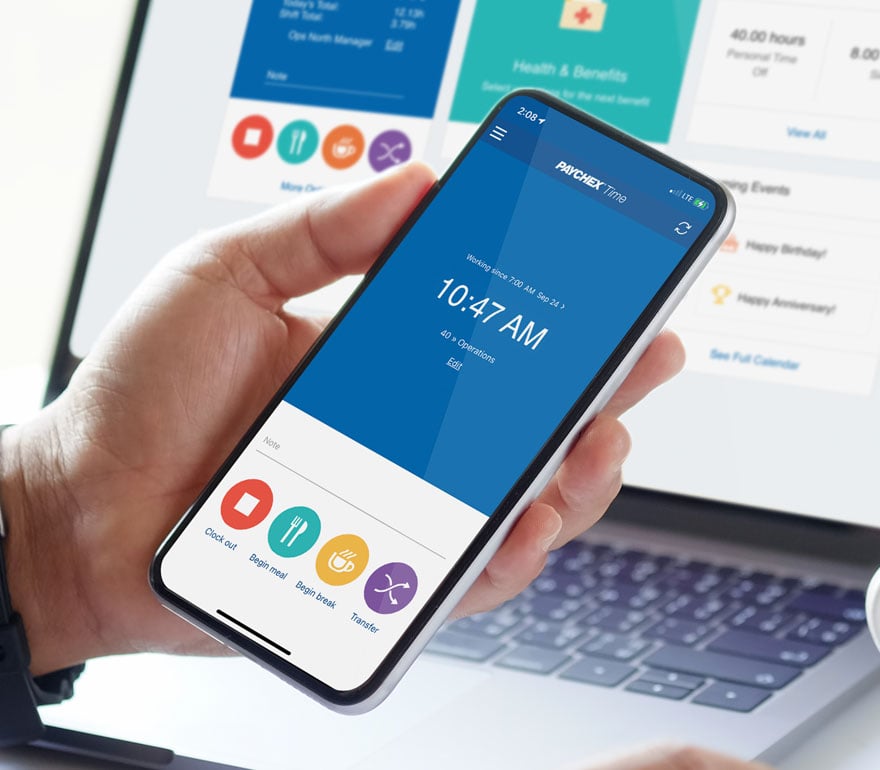
0:57 The Mobile App lets people punch in from a phone or Apple Watch — with geolocation controls, so you know the hours came from the job site, not the parking lot down the road.
1:08 The Time Kiosk App turns a shared tablet into a clock, and it keeps working offline — so a dead internet connection never means a lost punch or a hand-written timecard.
1:21 The Proximity Time Clock is a badge tap or wave. It runs on the HID badges your team already carries, and an optional pin covers the day someone leaves their badge at home.
1:34 The Iris Time Clock is fully touch-free — it reads iris or facial features, works even with PPE on, and shuts down buddy punching where accuracy and hygiene matter the most.
1:49 And the Fingerscan Time Clock verifies with a finger touch in an instant, with badge backup. No badges to lose, no pin numbers to share — just fast, secure punches.
What Happens After the Punch
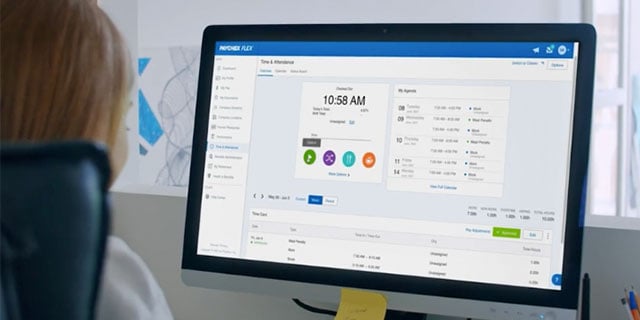
2:02 Now, here’s what a lot of time tracking tools don’t mention: what happens after the punch. Tracked hours are only useful if they flow straight into payroll. When they don’t, you get the 9 p.m. cleanup — manual re-entry, delayed pay, gaps in your audit trail. This is where Paychex is built to help: hours captured on any of our time clocks sync directly into payroll, so there’s no re-keying. You close payroll faster and trust the numbers.
How It Helps Support Compliance
2:34 The right setup also quietly protects you. Configurable break, meal, and rounding rules, plus missed-punch flags, keep small errors from becoming big compliance problems.
The Importance of Employee Buy-In
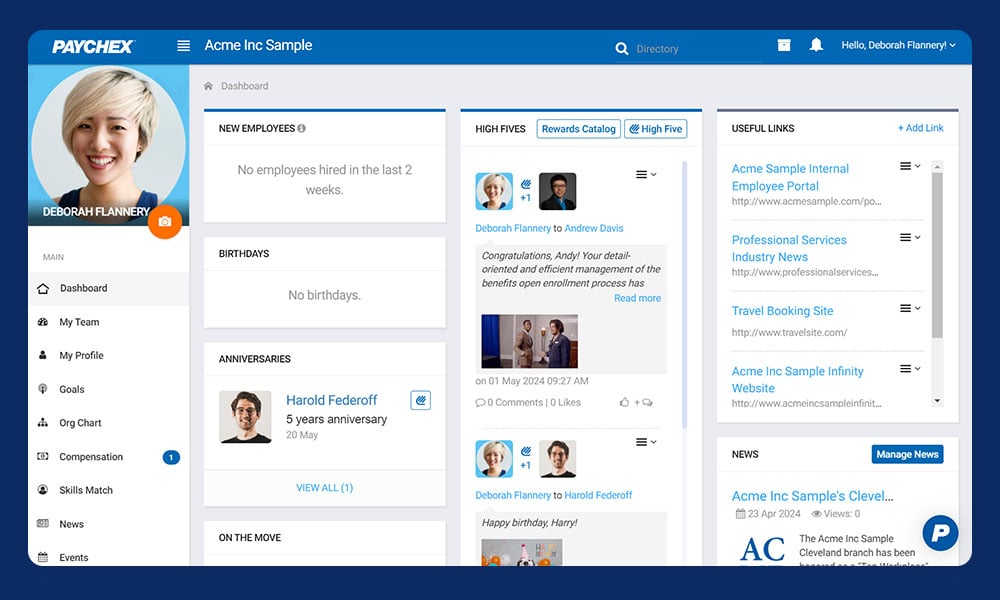
2:46 But a tool only works if the employees use it, and most stall because workers see a time clock as one more thing done to them. Paychex flips that with self-service access: view a schedule, request PTO, fix a punch through manager approval. Now the clock works for them, too.
Find Your Fit With Paychex
3:06 So don’t shop for the clock with the longest feature list. Shop for the one that fits your team and connects to your pay. Want help finding that fit? Get your free quote today. The link is in the description.
Find the Time Tracking Setup That Fits Your Workforce
Compare Paychex time clock options and choose a timekeeping solution designed around how and where your employees work, with connected payroll and employee self-service capabilities.