
Choose your Paychex login
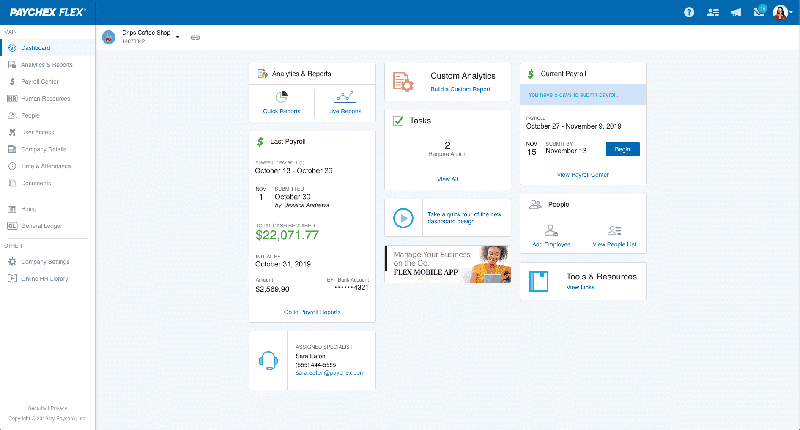


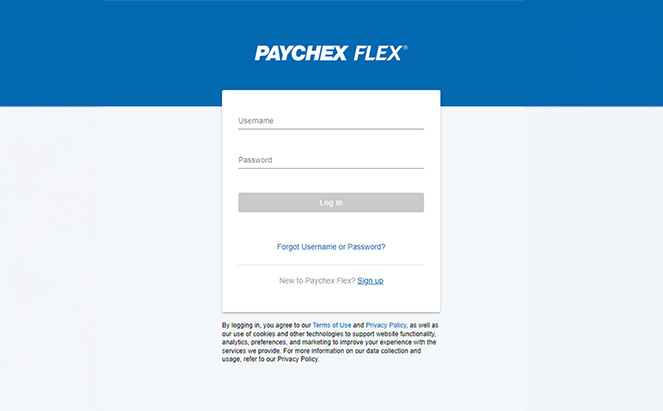
Our most popular platform, Paychex Flex® is an all-in-one solution for all things HR — payroll, time and attendance, benefits, and more. Login for Administrators & Employees.

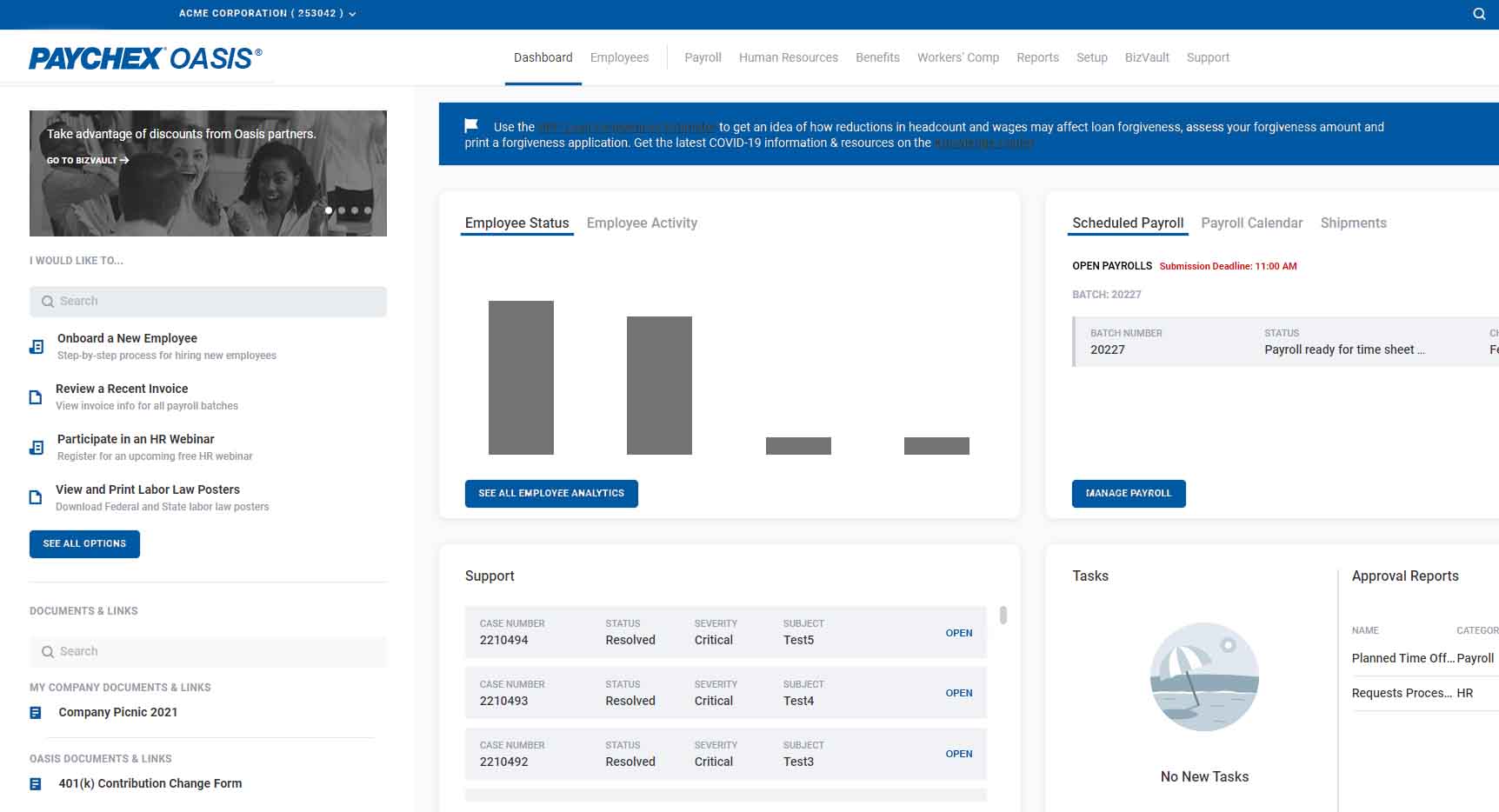
Paychex Oasis Administrators and Employees may log in here to manage all things HR, including, Payroll, Benefits and more.
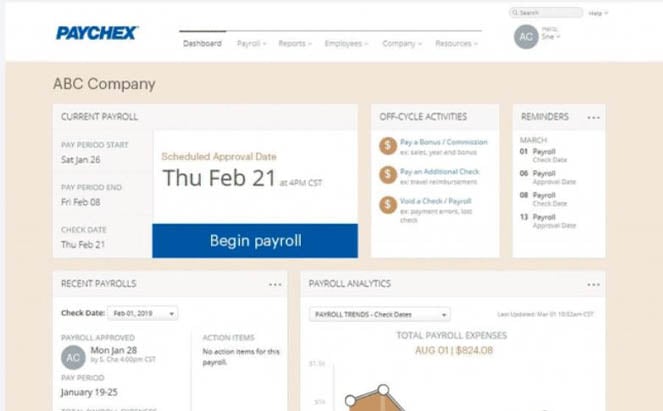
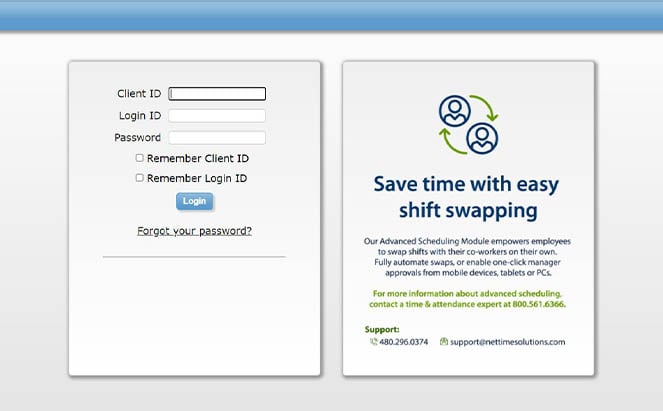

Need Paychex login help?
FAQs
-
What Do I Do if I Have Trouble Logging In?
What Do I Do if I Have Trouble Logging In?
If you’re having trouble logging in, click on the blue ? on the bottom right hand of the Paychex Flex login screen page for the Paychex Login Assistant. Here you can receive direct help with logging into your account or signing up for one.
-
How Do I Remember My Username?
How Do I Remember My Username?
Click on the “Forgot Username” option and enter in the email address associated with your Paychex Flex account. You will then receive an email with your username attached.
-
How Do I Reset My Password?
How Do I Reset My Password?